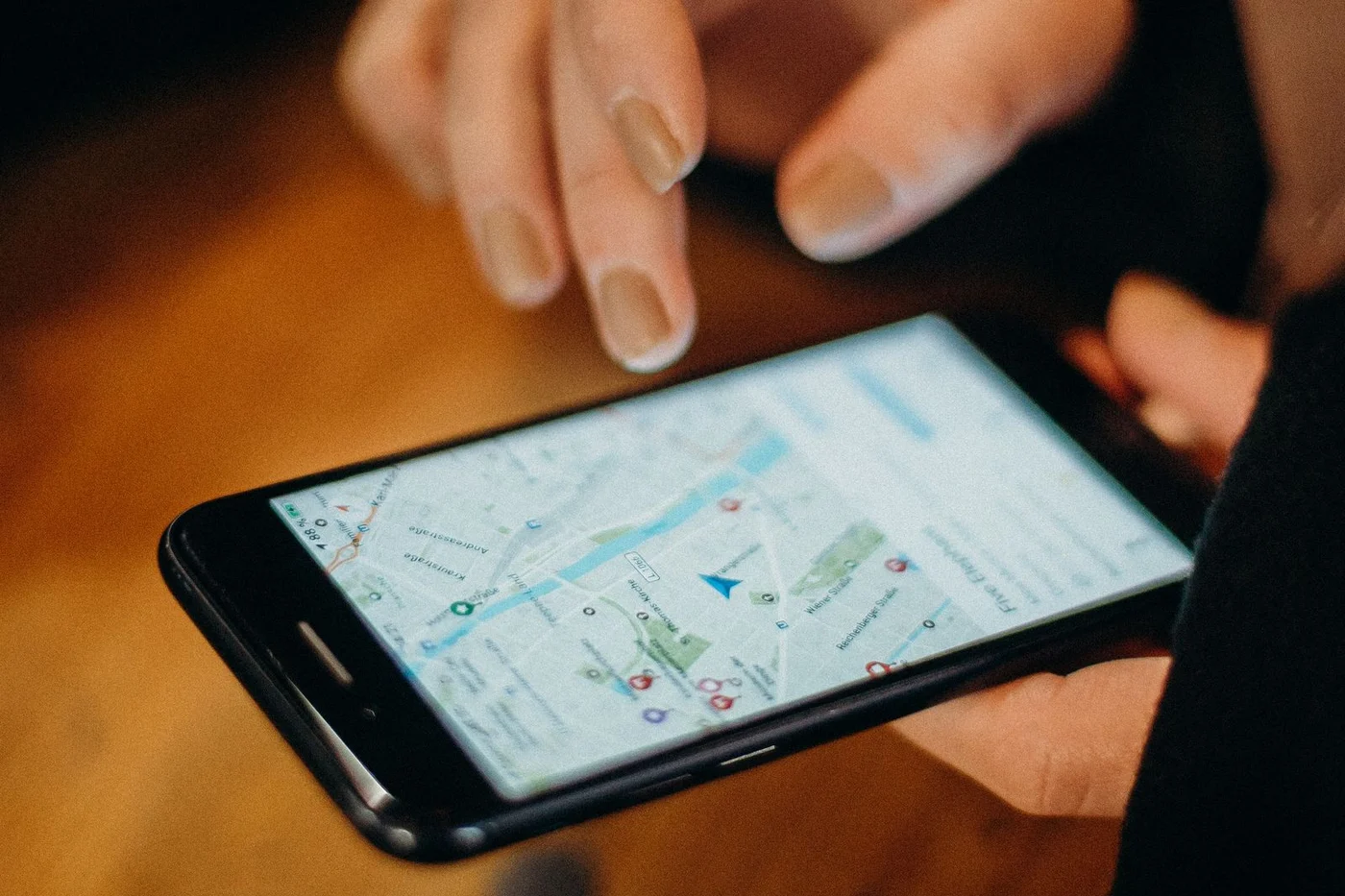

Your Google Business Profile is the free listing that appears in Google Search and Google Maps when people look for your business or for the services you offer. For many local searches, it is the first thing a potential customer sees, often before your website. It shows your phone number, hours, reviews and photos, and it lets people call, get directions or visit your site with one tap.
Optimizing that profile means making it complete, accurate and useful within Google's guidelines. This guide walks through each part, with practical advice for small businesses.
Step 1: Claim and verify your profile
Start by searching for your business on Google. If a profile already exists, claim it. If not, create one through Google Business Profile. Google will ask you to verify that you own or manage the business. Methods vary and can include a video recording, phone, text, email or mail, depending on what Google offers for your business.
Verification matters because unverified profiles have limited control, and anyone can suggest edits. Keep the account under an email address the business controls, not a former employee's personal account, and add trusted managers rather than sharing passwords.
Step 2: Use your real business name
Your profile name should match your real-world business name as it appears on your signage, website and stationery. Google's guidelines prohibit adding marketing taglines, service keywords or locations that are not part of your legal or branded name. Profiles that keyword-stuff their names risk suspension, and competitors can report them.
Step 3: Choose categories carefully
Categories are among the most important choices on the profile. Your primary category should describe your core business as specifically as possible. A business that mainly installs pavers should usually choose a paving-related category rather than a general landscaping one.
Secondary categories let you cover additional services you genuinely provide. Avoid adding categories for things you only occasionally do. Look at the categories used by successful competitors for ideas, but only choose those that describe your actual work.
Step 4: Set your address or service area correctly
If customers come to your location during your stated hours, show your address. If you serve customers at their location and do not receive them at your premises, Google's guidelines say you should hide your address and set a service area. Many contractors, cleaners and mobile services in Palm Beach County fall into this group.
Service areas can be defined by cities, postal codes or regions. Keep them realistic. Listing every city in South Florida does not make you more visible and can confuse customers. Never use a virtual office, coworking address you do not staff, or a mailbox as your location.
Step 5: Complete your contact details and hours
- Phone number: use a local number that reaches the business. If you use call tracking, keep your main number as an additional number so it stays consistent with citations.
- Website: link to your homepage or the most relevant page. Many businesses add campaign tags to this link so analytics can show visits from the profile.
- Hours: keep them accurate, and update special hours for holidays. Few things frustrate customers more than arriving at a closed door.
Step 6: Write a helpful description
The description is your chance to explain what you do, who you serve and what makes you different, in your own words. Write for people, not search engines. Mention your main services and the areas you serve naturally. Do not include links, promotional prices or exaggerated claims.
For example: "Family-owned pool service company serving homeowners in Jupiter, Tequesta and Palm Beach Gardens. We handle weekly cleaning, equipment repair and green pool recovery, and we explain every repair before we start."
Step 7: List your services and products
The services section lets you list specific services, often with descriptions. Add each core service, with a short, plain-language description. If you sell products, the products section can showcase them with photos and descriptions. These details help both searchers and Google understand what you offer.
Step 8: Add real photos regularly
Photos show people what to expect. Add your logo and a cover image, then photos of your work, your team, your vehicles or premises, and your service in action. Use real photos rather than stock images; customers can usually tell the difference. Add new photos over time so the profile feels current.
Step 9: Ask for and respond to reviews
Reviews influence both visibility and decisions. Google notes that review count and score factor into local ranking. More importantly, people read them.
Create a simple habit: after a completed job, send happy customers a short link to your review form. Do not offer incentives, do not selectively ask only satisfied customers in a way that suppresses negative feedback, and never write or buy reviews. Respond to every review if you can. Thank people for positive feedback, and respond calmly and helpfully to criticism. Never include private customer details in a response.
Step 10: Use posts and updates
Posts let you share updates, offers and events directly on your profile. They are useful for seasonal promotions, new services, holiday hours or recent projects. Keep them short, include a clear photo and link to a relevant page on your site when appropriate.
Step 11: Watch for unwanted edits and duplicates
Anyone can suggest edits to a profile, and Google sometimes applies them. Check your profile regularly for changes to hours, categories, phone numbers or your website. Also search for duplicate listings, such as old profiles from previous addresses, and request that duplicates be removed or merged.
Step 12: Measure what matters
The profile's performance section shows how people interact with it, including calls, website clicks and direction requests. Track these over time alongside the inquiries that reach your business. Trends matter more than any single month.
Common mistakes to avoid
- Keyword stuffing the business name.
- Using an address customers cannot visit.
- Choosing a broad primary category when a specific one exists.
- Ignoring reviews, especially negative ones.
- Letting hours go out of date.
- Uploading only stock photos.
- Leaving the profile under an employee's personal account.
A monthly profile routine
Once the profile is set up, a short monthly routine keeps it accurate and active. Check that hours, phone number and website are still correct, especially before holidays. Upload a few new photos of recent work. Respond to every new review. Publish an update if you have news, a seasonal offer or a recent project worth showing. Finally, look at the performance data for calls, website clicks and direction requests, and note anything unusual. This takes less than an hour for most small businesses and prevents the slow drift that makes profiles look abandoned.
How the profile connects to your website
A strong profile sends people to your website, and your website should confirm what the profile says. Keep your name, phone number and services consistent. Make sure the linked page loads quickly on a phone, explains your services clearly and makes it easy to call or send a message. Your profile and website work best as a team.
If you would rather have help with the setup or ongoing management, our Google Business Profile optimization service covers everything in this guide. For a broader view of map visibility, read How to Rank Higher on Google Maps in Palm Beach County.
Frequently asked questions
Is Google Business Profile free?
Yes. Creating and managing a Business Profile is free. Be cautious of anyone who calls claiming to be from Google and asks for payment to keep your listing.
Can I have more than one profile?
Generally only one per business location. Service-area businesses should usually have one profile. Duplicates can cause problems and should be removed.
What if my profile is suspended?
Review Google's guidelines, correct anything that does not comply, and follow Google's reinstatement process with supporting evidence of your business.
Want help with this? Cat60 Designs works with businesses across Palm Beach County. Learn about the related service or contact us to talk it through.